Will a keypad or smart lock work in freezing weather?
Short answer
Most keypad deadbolts we checked publish an outside rating well below freezing, from -22°F (Yale, Ultraloq) to -31°F (Schlage Encode). The batteries are the tighter limit. Energizer rates its alkaline AA to 0°F and its lithium AA to -40°F, but Schlage, Kwikset and Ultraloq tell you to use alkaline. Put fresh batteries in before the first freeze, keep the inside of the door heated, and keep a lockbox with a key as backup.
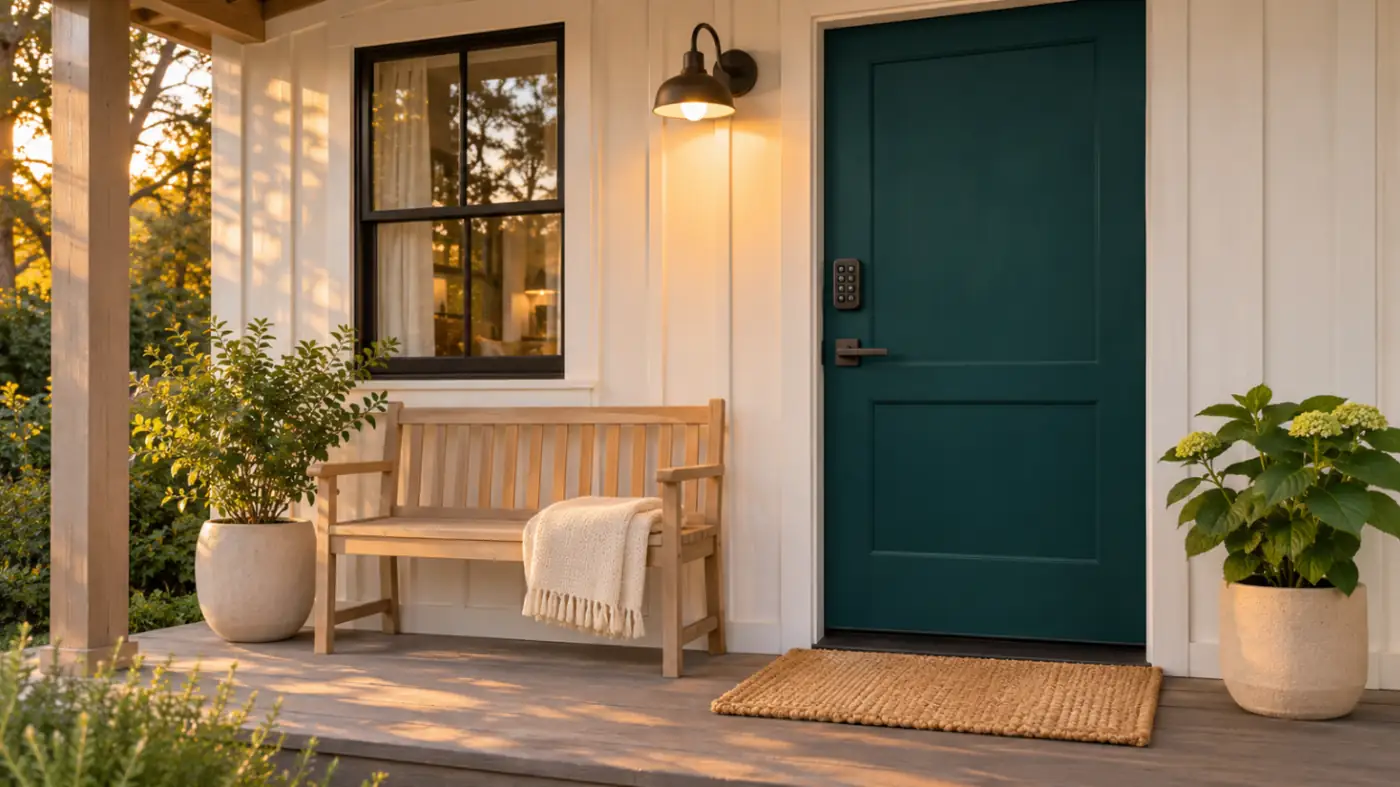
A keypad lock that works all summer can leave a guest standing in the snow at 11 pm. The published specs show the outside keypads are rated well below freezing. The tighter limits are the batteries, the inside unit in an unheated entry, and a weak Wi-Fi signal. This page lists each maker's published temperature range, what the battery makers say about cold, and a winter plan for a rental door.
HostCalmly has not installed or tested these locks. Every figure below comes from the maker's own spec sheet, product page or support article, read on Nov 4, 2026.
Published operating ranges
Most smart deadbolts have two parts: the keypad on the outside of the door and a unit on the inside. Makers often rate them separately, and the inside rating is much narrower. "Not stated" means the official pages we opened did not give a range.
| Lock | Published operating range | Source note |
|---|---|---|
| Schlage Encode (BE489) | Outside -31°F to 150.8°F. Inside 14°F to 120.2°F | Schlage product page (opens in a new tab) |
| Schlage Encode Plus (BE499) | Outside -30°F to 150.8°F. Inside 14°F to 122°F | Encode family spec sheet (opens in a new tab), which covers BE499, BE489 and FE789 without splitting by model |
| Kwikset Halo Keypad Wi-Fi | Not stated for this model | The product page (opens in a new tab) gives no range. The Halo FAQ (opens in a new tab) lists outside -40°F to 150°F and inside 32°F to 140°F, but that answer names "Aura," so confirm with Kwikset |
| Yale Assure Lock 2 Key-Free Keypad with Wi-Fi | Outside -22°F to 140°F. Inside 5°F to 158°F | Yale product page (opens in a new tab) specs. The page lists two different model numbers, so check yours |
| August Wi-Fi Smart Lock | 32°F to 104°F | August Smart Lock FAQ (opens in a new tab), which says it applies to every August generation and that the locks are not weatherproof or meant for outdoor use |
| August/Yale keypad for the August lock | Not stated | The keypad page (opens in a new tab) says it is IPX5 rated and built to handle most weather, but gives no temperature range |
| Ultraloq U-Bolt Pro WiFi | Outside -22°F to 149°F, IP65. Inside 14°F to 131°F | U-tec product page (opens in a new tab) |
| Kwikset 260 SmartCode | Not stated | Neither the product page (opens in a new tab) nor the support page (opens in a new tab) gives a range, and the linked install guide would not open for us |
What the table means for a rental
- The outside keypad is rarely the problem. Every outside rating we found reaches at least -22°F.
- The inside unit needs a heated room. Inside ratings bottom out at 32°F (August), 14°F (Schlage, Ultraloq) or 5°F (Yale). A door into an unheated mudroom, garage or porch enclosure can fall below that during a cold snap, especially if you drop the thermostat between stays.
- The August lock is an indoor device. Its whole lock sits on the inside of the door and is rated from 32°F. Its keypad is the part that faces the weather.
- Kwikset doesn't publish a range for these two models. Kwikset's weather answer (opens in a new tab) says Halo is as weather resistant as a normal Kwikset deadbolt, is not meant for full outdoor use such as gates, and the inside part should not be installed outdoors. Ask Kwikset support for a range before you rely on one at a cold door.
Batteries are the weak point
Battery makers rate their cells for temperature. Energizer's data sheets, read Nov 4, 2026:
- Energizer Max alkaline AA (E91) (opens in a new tab): operating temperature 0°F to 130°F (-18°C to 55°C).
- Energizer Ultimate Lithium AA (L91) (opens in a new tab): operating temperature -40°F to 140°F (-40°C to 60°C). The sheet charts capacity falling as temperature drops, with alkaline shown for comparison, and says its other figures were measured at 21°C (about 70°F).
So lithium AA cells are rated much colder. The catch is that most lock makers tell you not to use them:
- Schlage. Its battery article says Encode locks need 4 high-quality AA alkaline batteries (opens in a new tab) and that Schlage locks are not compatible with lithium batteries.
- Kwikset. The Halo FAQ (opens in a new tab) recommends alkaline from a major brand and says not to use rechargeable or lithium-ion batteries.
- Ultraloq. Its low-battery article (opens in a new tab) recommends AA alkaline, warns that lithium cells fail fast once they start to fail, and names only U-tec's own lithium AA as acceptable. It also says temperature affects how accurate the low-battery reading is.
- August. The lock itself takes two CR123 or CR123A lithium batteries (opens in a new tab), and August does not recommend rechargeables. The keypad takes AAA cells, and August's keypad install guide (opens in a new tab) tells you to use fresh standard AAA alkalines when troubleshooting.
- Yale Assure Lock 2. The battery-change article (opens in a new tab) we read does not say which chemistry to use. Check your manual. Yale's product page says you can jump-start a dead lock with a 9V battery.
Follow your lock maker, not the battery maker. If the maker says alkaline, use fresh alkalines and plan to change them more often in winter, because alkaline's rated low end is 0°F.
A winter plan for the front door
Before the first freeze
- Put in a full set of fresh batteries of the type your maker specifies, even if the app shows 50 percent.
- Write the date on a piece of tape inside the battery cover.
- Test every code, the key and the backup lockbox from outside, with the door shut.
- Check the Wi-Fi signal at the door, not at the router.
- Set the vacant-home thermostat high enough that the entry stays above the lock's inside rating.
Battery-swap schedule
Published battery life, read Nov 4, 2026: Schlage says the Encode runs up to six months (opens in a new tab) on 4 AA. August says the Wi-Fi lock runs up to 3 months and the keypad 7 months. U-tec lists 3 to 6 months for the U-Bolt Pro WiFi. Those are typical figures, and August says Wi-Fi signal strength, use and a sticky deadbolt all shorten them.
A simple schedule for a winter rental:
- Locks rated around six months. Change batteries before the first freeze and again at midwinter.
- The August Wi-Fi lock. Change batteries about every two months from November to March, so you never reach the three-month figure in January.
- Keypads on their own batteries. Change them with the lock, so you only make one trip.
- Add "check lock battery level in the app" to the cleaning checklist for every turnover from November to March.
Covered and exposed doors
- Covered door (porch roof, recessed entry). The best spot for any keypad. Snow and freezing rain stay off the keypad and the keyhole.
- Exposed door. Ultraloq's support article says not to let water or snow into the inside assembly, and Kwikset says Halo is not meant for full outdoor use. If the door takes driving snow, use a side door with a roof over it as the guest entrance, or add an awning.
Ice on the keypad or deadbolt
- Tell guests to brush snow off the keypad with a glove, not to scrape it.
- If the bolt drags or sticks, fix the alignment. August's FAQ says deadbolt friction shortens battery life.
- None of the maker pages we read said whether de-icer or lubricant is safe for their locks. Check the manual before you spray anything into a keyway.
Wi-Fi reach
Schlage says a poor or missing connection (opens in a new tab) makes the lock keep searching for the network, which drains the battery. Airbnb's smart lock article (opens in a new tab) says a connected lock must be on Wi-Fi, using the band the maker recommends, such as 2.4 GHz. In winter, a weak signal costs you twice: shorter battery life and codes that may not reach the lock. Move the router, or add a mesh point or extender near the entry, and confirm the lock shows online in its app.
Keep a backup way in
Cold, dead batteries and Wi-Fi outages all happen in the same storm. Keep a second way in that needs no power:
- A combination lockbox with a spare key, mounted out of the wind and out of sight from the street.
- A key that works the keyed cylinder, if your lock has one. Key-free models need another door or the 9V jump-start (Yale).
- A local cleaner or neighbor who can reach the house.
When you connect a lock to Airbnb, the setup asks for a backup entry method that guests only see if the lock has a problem. Put the backup steps in your house manual and your check-in message. The keypad lock comparison covers which locks your software supports, and the self check-in guide covers arrival instructions.
Check your own setup
Tick where you list and what you already use. See whether it's enough and what conflicts.
Check lock supportFrequently asked questions
Do smart locks stop working below freezing?
The outside parts of the locks we checked are rated well below freezing, from -22°F to -31°F. The August Wi-Fi lock is rated only from 32°F, but it sits inside the door. Cold batteries and an unheated inside unit are the usual problem.
Should I use lithium batteries in my keypad lock in winter?
Only if your lock maker allows them. Energizer rates lithium AA to -40°F and alkaline to 0°F, but Schlage says its locks are not compatible with lithium, and Kwikset and Ultraloq recommend alkaline.
How often should I change smart lock batteries in winter?
Change them before the first freeze and again at midwinter for locks rated around six months. For the August Wi-Fi lock, rated up to 3 months, change them about every two months.
What is the operating temperature of the Schlage Encode?
Schlage's product page lists -31°F to 150.8°F for the outside part and 14°F to 120.2°F for the inside part. The Encode family spec sheet gives -30°F outside and 14°F to 122°F inside.
What should guests do if the keypad won't respond in the cold?
Use the backup you gave them, such as the lockbox key, and message you. Then change the batteries and check the lock shows online in its app.
On this page